Beyond Basic Cleaning: How to Create Custom CSV Data Transformation Rules
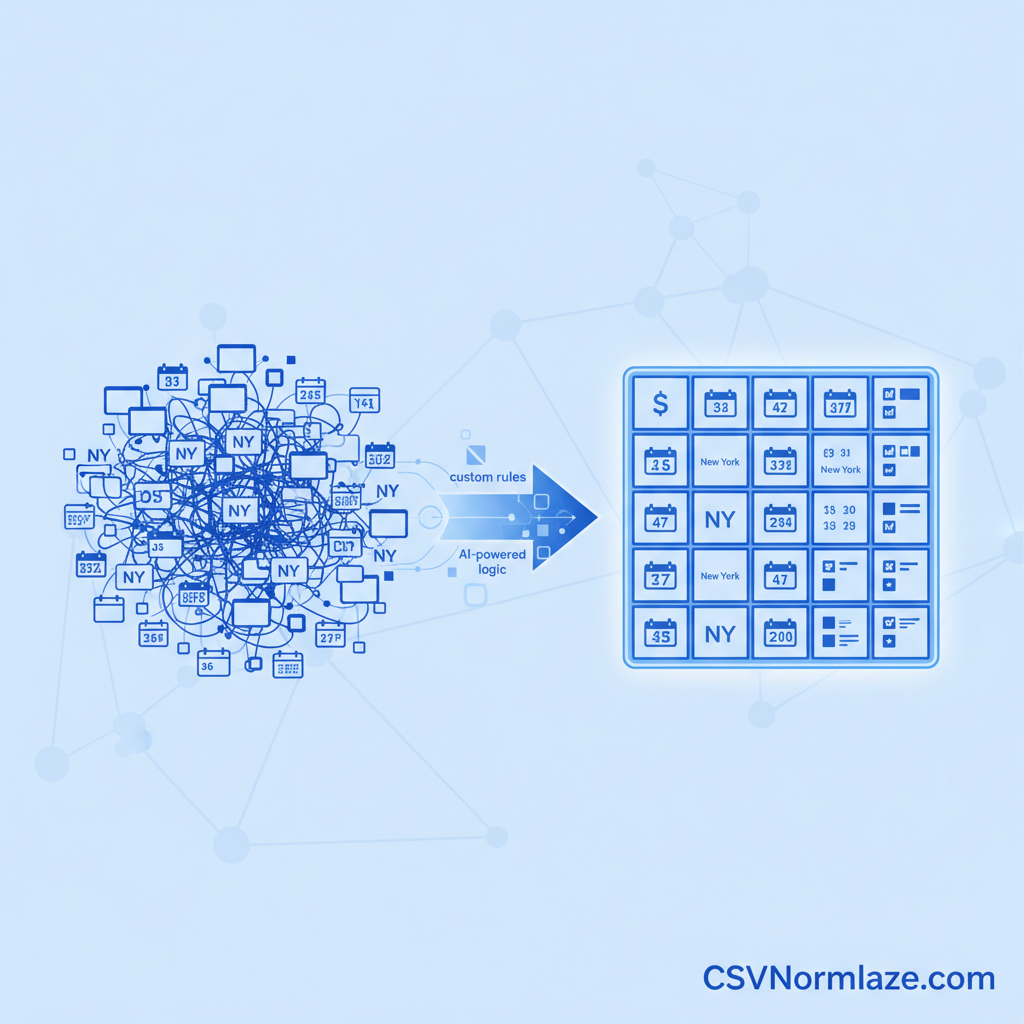
Master the art of data preparation by learning how to create custom CSV data transformation rules. Uncover the limitations of generic cleaning tools and discover how AI-powered solutions like CSVNormalize enable precise, flexible data manipulation for flawless, consistent datasets.
Why Custom CSV Rules Are Essential for Flawless Data
In today’s data-driven world, clean and consistent data is the bedrock of accurate analysis and reliable operations. While basic data cleaning tools can handle simple inconsistencies, they often fall short when faced with the unique complexities of real-world datasets. To truly ensure data integrity and usability, the ability to create custom CSV data transformation rules becomes not just an advantage, but a necessity.
Generic cleaning methods might standardize a common date format, but what about merging nuanced text variations, extracting specific patterns from a mixed string, or applying conditional logic based on multiple columns? These are the challenges where custom rules shine, providing the precision needed to whip even the messiest CSV files into perfectly structured datasets ready for any application.
The Hidden Costs of Inconsistent CSV Data
The repercussions of unstandardized or erroneous CSV data extend far beyond a few misplaced commas. Flawed analysis, driven by inconsistent naming conventions or mismatched data types, can lead to poor business decisions. Integration failures frequently occur when systems cannot process data that deviates from expected formats, costing valuable time and resources. And perhaps most taxing, endless hours are wasted on manual data remediation, pulling skilled professionals away from more strategic tasks. For a deeper dive into these challenges, explore how to Master Your Data: How to Transform Messy CSV Files to a Standardized Format.
When Standard Tools Aren’t Enough
Off-the-shelf data cleaning solutions are excellent for common, straightforward issues. However, they hit their limits when encountering highly specific data patterns, unique business logic, or niche industry requirements. Consider a scenario where product IDs need to be restructured based on a specific vendor code embedded within a longer string, or customer addresses require parsing into distinct fields only if a certain country code is present. These are the moments when a generic tool falters, and the power of flexible CSV data manipulation rules becomes indispensable. CSVNormalize empowers you to go beyond basic fixes, allowing you to define logic that understands the nuances of your specific data.
Understanding the Anatomy of a Custom CSV Transformation Rule
To effectively create custom CSV data transformation rules, it’s crucial to understand their fundamental components. Defining specific CSV cleaning logic involves a systematic approach, from recognizing a data anomaly to formulating the precise conditions and actions required for its transformation.
Identifying Your Data Transformation Needs
The first step in crafting effective custom rules is accurately pinpointing the data quality issues within your CSVs. This could involve examining inconsistent date formats (e.g., “01/15/2023” vs. “Jan 15, 23”), variations in naming conventions (“New York” vs. “NY”), or logical gaps like missing values that need intelligent imputation. A thorough review of your raw data against your desired output format will illuminate where custom interventions are most needed.
Core Components of Effective Transformation Logic
At its heart, any custom rule comprises several building blocks. Conditions (often expressed as IF/THEN statements) define when a rule should be applied. For example, IF a column contains “N.A.” THEN replace it. Actions dictate what transformation should occur, such as REPLACE specific text, EXTRACT a sub-string, or MERGE multiple columns. Finally, target columns specify which data fields the rule should operate on. By combining these elements, you can implement advanced CSV transformation logic that addresses complex data challenges with precision. CSVNormalize provides an intuitive environment to construct these intricate rules, making advanced logic accessible to everyone.
A Practical Library of Custom CSV Data Transformation Rule Examples
CSVNormalize understands that every dataset has its quirks. That’s why we enable you to create custom CSV data transformation rules that precisely address your unique needs. Here’s how to define specific CSV cleaning logic for common challenges:
Standardizing Date and Time Formats
Problem: Dates in a “Transaction Date” column appear in multiple formats (e.g., “MM/DD/YYYY”, “YYYY-MM-DD”, “DD-MON-YY”). Custom Rule Logic: If the format is “DD-MON-YY”, convert to “YYYY-MM-DD”. If the format is “MM/DD/YYYY”, convert to “YYYY-MM-DD”. Define a default output format to ensure consistency across the entire column. CSVNormalize’s AI can intelligently detect and suggest conversions, simplifying this process.
Consolidating Text and String Variations
Problem: A “City” column contains variations like “NY”, “N.Y.”, and “New York”. Custom Rule Logic: Create rules to find “NY” or “N.Y.” and replace them with “New York”. This ensures that all entries for the same city are consistently represented, making your data more uniform and analysis-ready.
Merging or Splitting Columns for Clarity
Problem (Merging): “First Name” and “Last Name” are separate, but you need a “Full Name” column. Custom Rule Logic: Merge “First Name” and “Last Name” columns, inserting a space between them, to create a new “Full Name” column. This is crucial for reports or system imports requiring a single name field.
Problem (Splitting): An “Address” column contains “Street, City, State, Zip”. You need separate columns. Custom Rule Logic: Split the “Address” column by the comma delimiter into “Street”, “City”, “State”, and “Zip” columns. This granular control allows for more flexible data management and analysis.
Handling Missing or Null Data Intelligently
Problem: The “Discount” column has empty cells, indicating no discount was applied. Custom Rule Logic: If a cell in the “Discount” column is empty or null, replace it with “0.00”. Alternatively, apply logical fills based on other columns (e.g., if “Product Category” is “Electronics”, default “Warranty” to “1 Year”). For more on addressing missing data, refer to Taming the Data Beast: Your Guide to the Normalization Process, Mapping & Validation.
Removing Duplicate Entries Based on Criteria
Problem: A “Customer ID” column contains duplicate entries, leading to inflated customer counts. Custom Rule Logic: Identify and remove duplicate rows where the “Customer ID” and “Order Date” columns are identical, retaining only the first instance. This ensures unique records for accurate reporting and CRM synchronization.
Validating and Correcting Data Types
Problem: A “Quantity” column sometimes contains text (“N/A”) instead of numbers. Custom Rule Logic: If a cell in the “Quantity” column is not numeric, flag it as an error, or if possible, replace “N/A” with “0”. This rule ensures data integrity, preventing calculation errors. CSVNormalize’s built-in data validation engine automatically checks for inconsistencies post-normalization.
Implementing Advanced CSV Transformation Logic
Once you understand the logic, the next step is to effectively implement advanced CSV transformation logic. This requires a sophisticated tool for flexible CSV data manipulation rules that can translate your precise requirements into automated actions.
Choosing the Right Tool for Custom Rule Creation
When selecting a platform for custom CSV formatting and complex rule sets, look for key features such as an intuitive interface, robust data validation, and crucially, AI-powered automation. CSVNormalize offers an intelligent, AI-driven solution that enables you to create and manage intricate rules with ease, significantly reducing manual effort and boosting accuracy. Its intelligent column mapping leverages AI to understand the semantics and context of your data for accurate alignment.
Step-by-Step Approach to Building Your First Rule
Translating a defined data problem into an executable custom transformation rule with CSVNormalize is streamlined. First, upload your CSV file. Next, identify the specific column and the type of transformation needed. Then, use our intuitive interface to define your conditions and actions. For instance, you might select a column, choose a “Replace” action, and specify the old value (“N/A”) and the new value (“0”). The platform allows you to preview the changes, ensuring your rule performs exactly as intended.
Testing and Refining Your Custom Rules
Validation is paramount. After creating a custom rule, always test it against sample data to confirm it produces the expected outcome. CSVNormalize’s powerful validation engine allows you to see the impact of your rules in real-time. Iteratively refine your rules based on these test results until your data is perfectly clean and structured. This iterative process ensures optimal results and builds confidence in your automated workflows.
Maximizing Efficiency with Custom CSV Transformation Rules
Mastering custom CSV data transformation rules isn’t just about fixing individual files; it’s a strategic investment in ongoing data quality and operational efficiency across your entire organization.
Automating Repetitive Data Cleaning Tasks
Imagine never manually cleaning the same type of CSV file again. By developing a library of reusable custom rules, you can drastically reduce manual effort and accelerate data preparation workflows for recurring datasets. CSVNormalize allows you to create reusable templates, effectively automating the standardization process for similar future datasets. This transforms hours of tedious work into minutes of automated processing, liberating your team to focus on analysis rather than remediation. Learn more about how to Streamline Your Data: How to Create Reusable Templates for CSV Standardization.
Ensuring Data Consistency Across Systems
Standardized data, achieved through precise custom rules, is the gateway to seamless integration and accurate analysis across various business systems and applications. Whether it’s CRM, ERP, BI tools, or data warehouses, consistent data ensures that every system speaks the same language, preventing errors and improving the reliability of your data ecosystem. This consistency is vital across diverse use cases, from marketing and sales to healthcare and research.
Future-Proofing Your Data Strategy
Investing in defining specific CSV cleaning logic and custom transformation capabilities prepares organizations for evolving data requirements. As your business grows and data sources multiply, the ability to adapt and maintain high data quality becomes an indispensable asset. With CSVNormalize, you’re not just cleaning data for today; you’re building a resilient, adaptable data infrastructure that can handle tomorrow’s challenges, ensuring your data remains a reliable asset for continuous growth and innovation.