Column Mapping Automation: Solving Enterprise CSV Puzzles with Smart Tools
Unlock efficiency with column mapping automation. Learn how smart mapping tools solve inconsistent headers, evolving schemas, and multi-source data puzzles.
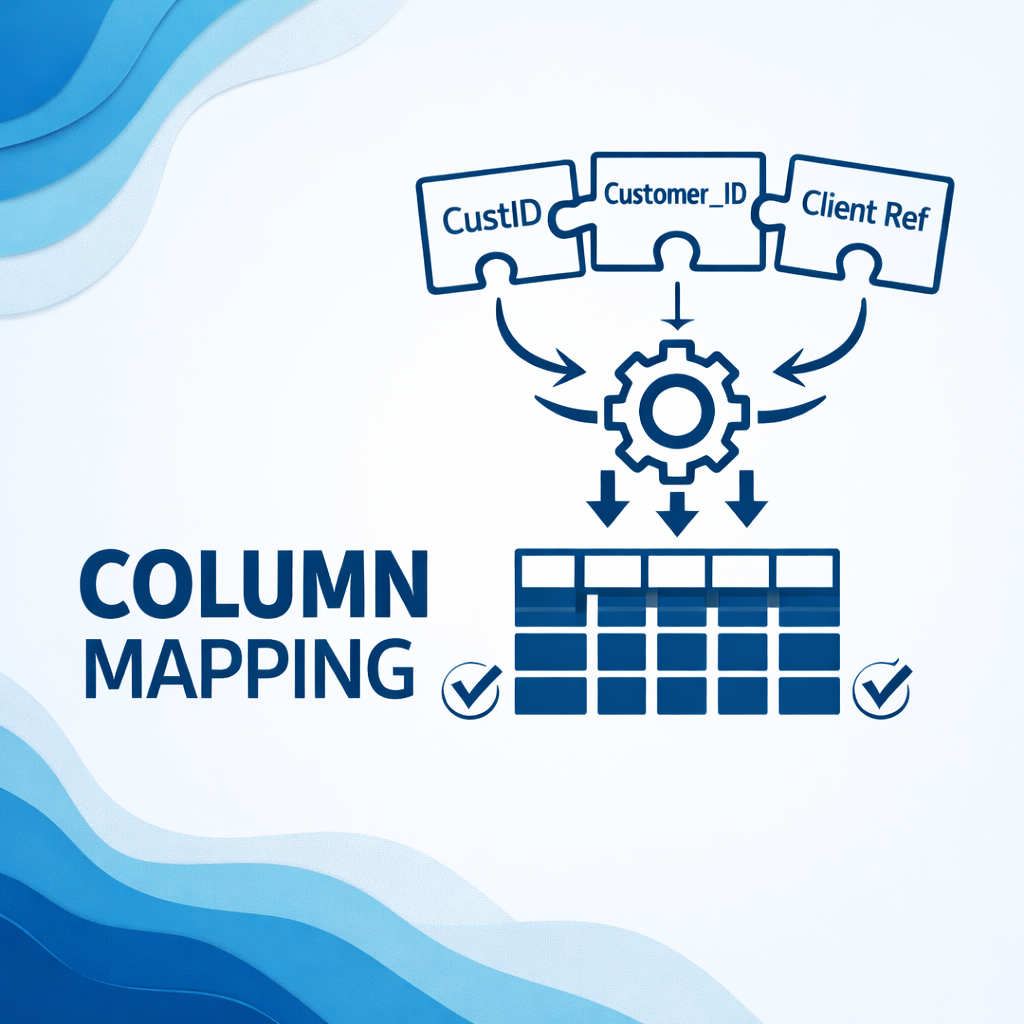
Working with data is essential for modern businesses, but often, the path to valuable insights is blocked by a common enemy: messy, inconsistent CSV files. You know the drill. One system calls it “CustID,” another “Customer_ID,” and a third simply “Client Ref.” Then, your data sources change, adding new columns or renaming old ones, leaving you constantly scrambling to adjust.
This is not just a minor annoyance. It is a massive productivity drain. Manual data mapping, especially when dealing with complex CSVs, Excel sheets, or diverse databases, can feel like trying to solve a Rubik’s Cube blindfolded. It is time-consuming, prone to human error, and frankly, a recipe for frustration.
But what if you could eliminate this struggle? What if your incoming data, regardless of its source or quirks, could automatically align with your target systems, ready for analysis and action? This is where column mapping automation steps in, transforming what was once a painful chore into a seamless, efficient process.
In this blog post, we will explore the common challenges of data mapping, delve into how smart mapping tools provide game-changing solutions, and show you how platforms like CSVNormalize simplify even the most complex data standardization tasks.
The Hidden Hurdles of Manual Data Mapping
Before we jump to solutions, let us acknowledge the real pain points that make manual data mapping unsustainable in a fast-paced business environment.
1. Inconsistent Headers: The Naming Game
Imagine importing sales data from three different regional teams. One CSV uses “Product Name,” another “Item_Description,” and the third “Merchandise_Title.” Your central database, however, requires a field called “Standardized_Product_Label.” Manually identifying and renaming dozens, or even hundreds, of such columns across multiple files is tedious work. It is a prime example of why schema matching CSV processes become so cumbersome without automation.
My own experience with a client’s product catalog migration sticks out. They had five different suppliers, each with their unique header conventions. We spent days in spreadsheets trying to unify “SKU,” “Product Code,” and “Material ID” before even thinking about the actual product data. It was a complete bottleneck.
2. Evolving Schemas: Chasing a Moving Target
Data sources are not static. A vendor might add a new column for “Sustainability Rating,” or your internal CRM updates, changing “Email Address” to “Primary Contact Email.” If your data mapping relies on rigid, hard-coded rules or manual adjustments, these changes break your workflows. You constantly play catch-up, rebuilding mappings and fixing broken imports, delaying critical reports and integrations. This challenge highlights the need for dynamic and intelligent mapping solutions.
3. Multi-Source Mayhem: Unifying Diverse Data
Beyond CSVs, businesses often pull data from Excel files, databases, APIs, and other systems. Each source might have its own quirks in formatting, data types, and structural nuances. Bringing all this disparate information together into a single, standardized format for analysis or migration is a Herculean task. Manually converting dates, splitting names, or combining address fields from varied sources is a common headache that stops progress dead in its tracks.
Enter Column Mapping Automation: Your Data Hero
The solution to these pervasive data problems lies in column mapping automation. This advanced approach uses intelligent algorithms and machine learning to understand, interpret, and align data fields from various sources to a predefined target structure automatically.
What is Column Mapping Automation?
At its core, column mapping automation is the process of using software to intelligently identify relationships between data fields in a source dataset (like a CSV file) and corresponding fields in a target dataset or schema. Instead of you dragging and dropping or manually typing out rules, the system analyzes your data, understands its context, and proposes highly accurate mappings. This is crucial for efficient data standardization and integration.
The Power of Smart Mapping Tools
Smart mapping tools go beyond simple keyword matching. They leverage advanced algorithms trained on vast amounts of data to:
- Understand semantics: They can often infer that “Client Name,” “Customer,” and “Account Holder” all refer to the same concept.
- Learn from experience: Many systems get smarter with each mapping you approve, continuously improving their accuracy.
- Suggest complex transformations: They can recommend splitting a “Full Name” column into “First Name” and “Last Name” or combining “Street,” “City,” and “Zip” into an “Address” field.
This intelligence dramatically reduces the manual effort, time, and errors typically associated with data preparation.
How CSVNormalize Tackles Your Toughest Data Puzzles
This is where a dedicated platform like CSVNormalize shines. It is designed specifically to simplify the complexities of schema matching CSV files and other data sources through robust column mapping automation.
When you use CSVNormalize, you are not just getting a tool. You are gaining an intelligent assistant for your data.
1. Intelligent Header Matching
CSVNormalize’s system intelligently analyzes your uploaded data and compares it against your desired target schema. It uses AI to identify similar columns, even if their names differ significantly (for example, “Order #” to “OrderID”). You simply upload your source and target files, and the platform does the heavy lifting, proposing the most likely matches. This eliminates endless scrolling and second-guessing, ensuring your CSV mapping is accurate on the first try.
2. Adapting to Change
With CSVNormalize, you can create and save reusable templates. If a vendor changes their CSV format slightly, you can quickly adjust your existing template or let the platform intelligently re-map the updated file. This feature is a game-changer for handling evolving schemas, allowing your workflows to remain stable and efficient even as your data sources adapt. It ensures that your data pipelines are resilient to common changes, saving you from constant re-mapping efforts.
3. Seamless Multi-Source Integration
Whether you are dealing with different CSV formats, Excel sheets, or preparing data for database imports, CSVNormalize provides a unified solution. It standardizes diverse inputs into a consistent, analysis-ready output. This is vital for multi-source data standardization, providing a single, reliable hub for all your data transformation needs.
4. Beyond Mapping: Data Standardization and Validation
CSVNormalize is not just about matching columns. It goes further by offering comprehensive data cleaning and standardization. This means:
- Formatting consistency: Dates, numbers, and text are converted to your specified formats.
- Data validation: Issues like missing values, duplicates, or incorrect data types are identified and addressed.
- Automatic transformations: Splitting, combining, or applying custom rules becomes straightforward.
The result is perfectly structured, validated data that is ready for immediate use in your systems.
Real-World Impact: What Automation Means for Your Business
The shift from manual to automated column mapping is not just a technical upgrade. It is a strategic move that delivers tangible business benefits:
- Time savings: Drastically reduce the hours spent on data preparation, freeing up your team for higher-value activities like analysis and strategy.
- Improved data quality: Minimize human errors, leading to more accurate reports, better decisions, and increased trust in your data.
- Faster insights: Get clean, standardized data into your systems quicker, accelerating your ability to generate insights and respond to market changes.
- Enhanced scalability: Effortlessly handle larger volumes and more diverse data sources without increasing manual workload.
- Reduced operational costs: Decrease the need for extensive manual labor and custom scripting.
Actionable Tip: Start Small, Scale Smart
If column mapping automation feels daunting, start with your most frequently imported and problematic CSV files. Implement an automated solution for these first. Once you experience the efficiency gains, you will naturally want to expand its application across your entire data ecosystem.
Conclusion
Messy data and manual mapping are no longer unavoidable burdens. In today’s data-driven world, efficiency and accuracy are paramount. By embracing column mapping automation and leveraging advanced smart mapping tools like CSVNormalize, you can solve the complex puzzles of inconsistent headers, evolving schemas, and multi-source data standardization.
Stop letting data preparation slow your business down. It is time to move beyond the basics and unlock the full potential of your information with automated, intelligent solutions.
Ready to revolutionize your data workflow? Discover how CSVNormalize can transform your messy CSVs into perfectly structured, analysis-ready data today.