CSV Automation vs ETL: When to Normalize, When to Transform
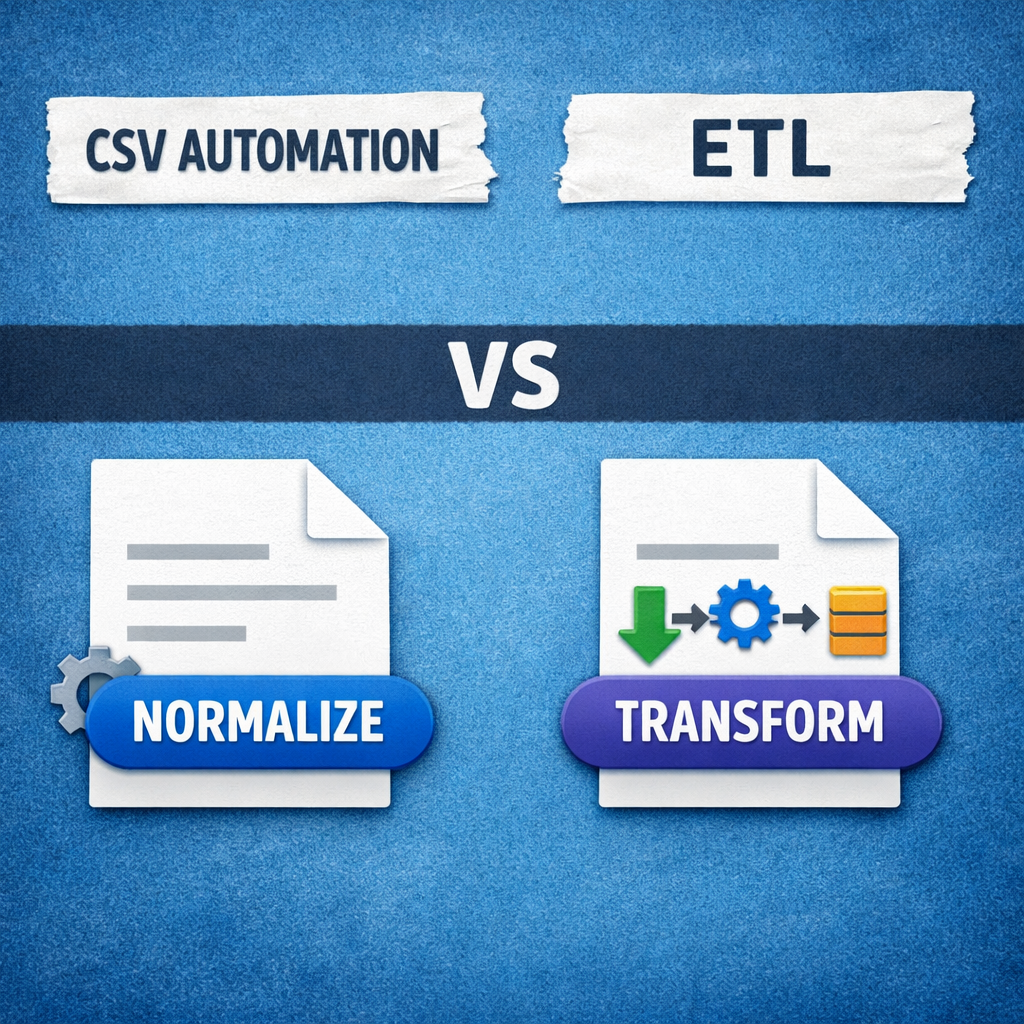
Discover when to choose CSV automation for quick normalization and clean imports, or a full ETL pipeline for complex transformations and data integration. Get a decision framework.
Data is the lifeblood of modern business, yet its raw form often resembles a tangled mess. For many organizations, the humble Comma Separated Values (CSV) file remains a primary vehicle for data exchange. But when these files need to be processed and integrated, a critical question arises: should you opt for focused CSV automation with normalization, or a comprehensive ETL (Extract, Transform, Load) pipeline?
This isn’t a simple “either/or” choice. Both approaches have distinct strengths, designed for different data challenges and business objectives. In this guide, we’ll dive deep into the specific tasks best served by CSV normalization ideal for data quality and clean imports versus the broader ETL pipelines suited for complex joins and transformations. By the end, you’ll have a clear decision framework to help you choose the right path for your data needs.
Understanding the Core Concepts: CSV Automation & ETL
Before we decide which tool fits which job, let’s clarify what each approach entails.
What is CSV Automation (and Normalization)?
At its heart, CSV automation focuses on streamlining the process of handling individual or small batches of CSV files. Think of it as specialized data preparation, primarily aimed at cleaning, structuring, and validating data within or across related CSVs to make them ready for a specific target system.
A key component of this is data normalization. Normalization, in this context, is about organizing your CSV data to eliminate redundancy and improve consistency. It ensures that each piece of information is stored in the most logical place, often by:
- Splitting combined fields (e.g., separating “Full Name” into “First Name” and “Last Name”)
- Standardizing formats (e.g., enforcing
YYYY-MM-DDfor dates) - Removing duplicates
- Correcting inconsistencies (e.g., “CA” vs. “California”)
Goal: High-quality data and a smooth import into a direct application such as a CRM, ERP, or a specific database table.
What is ETL (Extract, Transform, Load)?
ETL (Extract, Transform, Load) is a much broader, more sophisticated process designed for large-scale data integration. It consists of three stages:
-
Extract
Gathering raw data from various sources databases, APIs, streaming data, cloud applications, and CSV files. -
Transform
Cleaning, validating, standardizing, aggregating, joining, and enriching data according to business rules. This stage often involves complex logic far beyond simple normalization. -
Load
Delivering the transformed data into a target system such as a data warehouse, data lake, or analytics platform.
ETL pipelines are built for resilience, scalability, and enterprise-wide data consistency. Their purpose is to create a unified and trustworthy source of truth.
CSV Automation: Your Go-To for Precision Cleaning and Imports
When your primary concern is getting clean, structured CSV data into a specific system quickly and reliably, CSV automation with normalization is often the right choice.
When to Normalize CSV Data
Choose CSV normalization when your tasks include:
-
Client Data Onboarding
Cleaning customer or vendor CSVs before importing them into CRMs or accounting systems. -
Simple Data Migration
Moving CSV exports from legacy systems into newer platforms. -
Regular, Repetitive Imports
Scheduled imports (e.g., weekly sales leads, expense reports) requiring consistent formatting. -
Data Quality Assurance
Enforcing validation rules such as numeric IDs or valid email formats. -
User Upload Workflows
Allowing non-technical users to upload CSVs while the system handles common errors.
Real-World Scenario
Imagine you’re an implementation specialist at a SaaS company. A new client sends a legacy contact CSV where:
- Names are in one column
- Phone numbers use inconsistent formats
- Some required fields are missing
With CSV automation, you can quickly define rules like splitting names, formatting phone numbers, and validating required fields without building a full data pipeline.
Benefits of CSV Normalization
- Improved Data Accuracy – Enforced consistency and reduced duplication
- Reduced Import Errors – Fewer schema and validation failures
- Faster Turnaround – Quicker setup than full ETL pipelines
- Empowered Business Users – Less reliance on engineering teams
ETL: The Powerhouse for Comprehensive Data Integration
When your data needs span multiple systems and support analytics at scale, ETL pipelines are essential.
When to Use ETL for Transformations
ETL is the right choice when you need:
-
Integration of Disparate Sources
Databases, APIs, SaaS platforms, streaming data, and CSV files. -
Complex Transformations, such as:
- Multi-table joins
- Aggregations (daily → monthly, regional rollups)
- Data enrichment via external APIs
- Derived business metrics
-
Centralized Analytics Platforms
Building data warehouses or data lakes. -
Strong Governance & Lineage
Tracking data origins, transformations, and access for compliance (GDPR, HIPAA, CCPA). -
Schema Drift Handling
Adapting to evolving source systems without breaking pipelines. -
Advanced Analytics & ML
Preparing clean, historical datasets for predictive models.
Real-World Scenario
A large e-commerce retailer combines:
- Website sales data
- ERP inventory data
- CRM support interactions
- Supplier CSV feeds
An ETL pipeline extracts all sources, joins them into unified customer and product views, aggregates sales, and loads the results into a data warehouse powering dashboards, forecasting, and personalization.
Benefits of ETL
- Holistic Data View – A single source of truth
- Scalability – Handles massive and growing data volumes
- Automation & Orchestration – Scheduling, monitoring, and error handling
- Strong Governance – Auditability and compliance readiness
- Advanced Analytics Support – BI, reporting, and ML use cases
Making the Decision: A Practical Framework
Use the table below to guide your choice:
| Factor | CSV Automation (Normalization) | ETL (Comprehensive Transformation) |
|---|---|---|
| Data Source Complexity | One or a few CSV files | Many diverse sources |
| Transformation Needs | Cleaning, formatting, deduplication | Joins, aggregations, enrichment |
| Target System | CRM, ERP, single database table | Data warehouse or data lake |
| Data Volume & Frequency | Moderate, batch-based | Large-scale or continuous |
| Team Expertise | Business users, analysts | Data engineers, IT teams |
| Data Governance Needs | Basic validation | Full lineage and compliance |
| Historical Data Needs | Limited | Critical |
Anecdote
A startup once considered building a mini-ETL system just to onboard customer CSVs. After evaluating their needs, a lightweight CSV automation tool proved far more effective allowing customer success teams to clean and import data without engineering overhead.
Beyond the Choice: Hybrid Approaches
CSV automation and ETL are not mutually exclusive. Many organizations adopt a hybrid strategy:
-
Pre-ETL Normalization
Clean CSVs before feeding them into ETL pipelines. -
ETL for Core Data, Automation for Edge Cases
Enterprise pipelines for analytics, lightweight automation for departmental or one-off imports.
The key is matching the tool to the task.
Conclusion
Understanding when to use CSV automation with normalization versus a full ETL pipeline is essential for efficient, reliable data operations. Whether you’re preparing client data for a quick import or orchestrating enterprise-wide analytics, aligning your approach with your actual data needs leads to cleaner data, faster insights, and better decisions.
Ready to optimize your data processes?
Share your biggest CSV challenge or tell us how you’re combining CSV automation and ETL in your organization.